
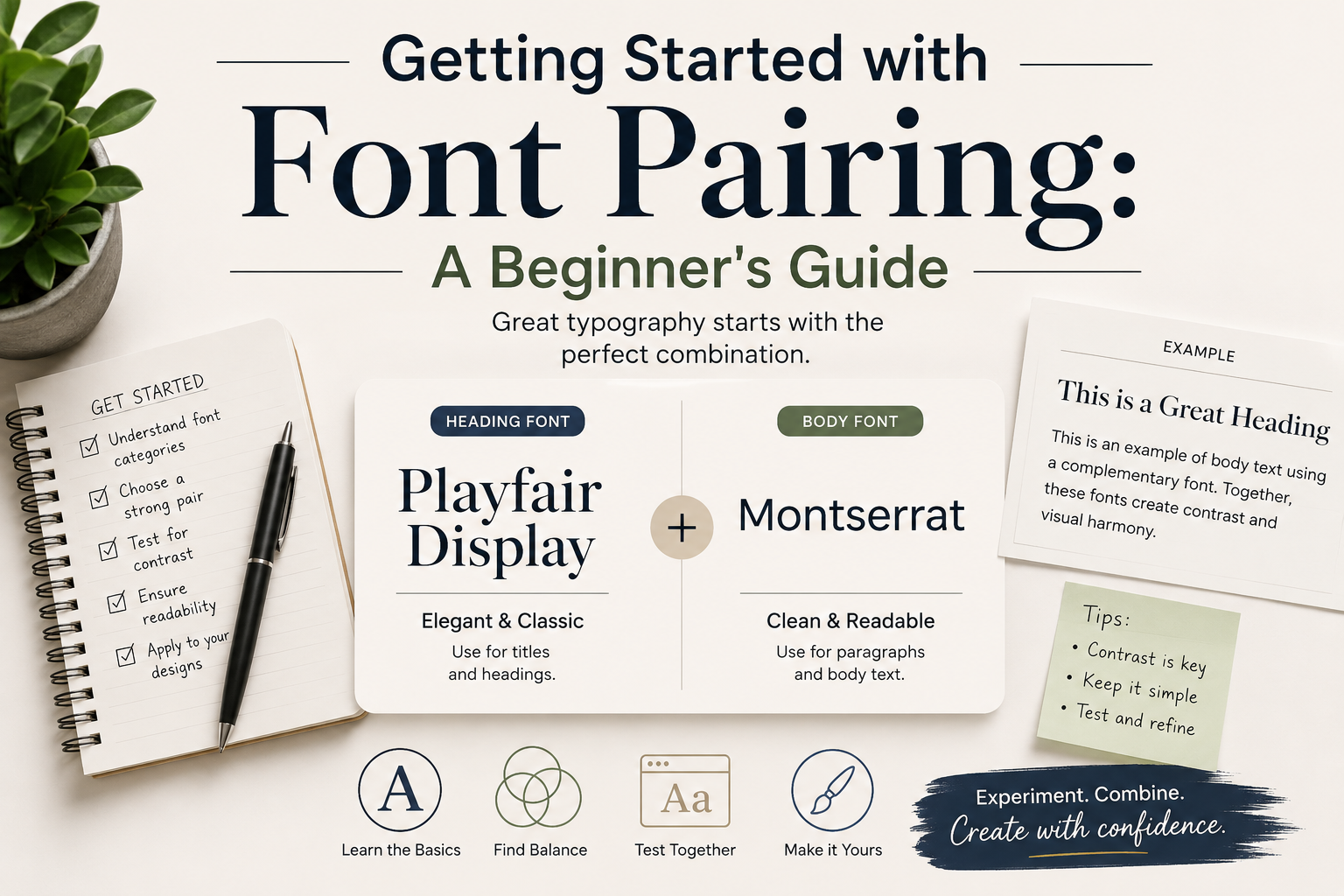
Getting Started with Font Pairing: A Beginner's Guide
What Is Font Pairing?
Font pairing is the art of selecting two or more typefaces that work harmoniously together. Good pairings create visual hierarchy, guide the reader's eye, and reinforce your design's mood — all without the reader consciously noticing.
The Golden Rule: Contrast, Not Conflict
The most important principle in font pairing is contrast. You want fonts that are different enough to create visual interest, but not so different that they clash. A bold serif headline with a light sans-serif body is classic contrast. Two slightly different sans-serifs? That's conflict — they look like a mistake.
Three Proven Pairing Strategies
1. Serif + Sans-Serif
The classic combination. Use a serif for headlines to add personality and a sans-serif for body text for clean readability. Example: Playfair Display + Inter.
2. Same Family, Different Weights
The safest approach. Use one font family and vary the weight and size. A bold weight for headlines and regular for body text always works. Example: Montserrat Bold + Montserrat Regular.
3. Display + Neutral
For projects that need personality, pair a distinctive display font for headlines with a neutral workhorse for everything else. The display font provides character; the neutral font stays out of the way. Example: Abril Fatface + Lato.
Common Mistakes to Avoid
- Using too many fonts — stick to 2, occasionally 3. More than that creates visual chaos.
- Pairing fonts that are too similar — if they're not the same, make sure they're clearly different.
- Ignoring hierarchy — your headline font should be distinctly different from your body font in size, weight, or style.
- Skipping the test — always preview your pairing with real content at real sizes before committing.
Try It Yourself
Use FontPlatform's comparison tool to view fonts side by side. Type your own text, adjust sizes, and find the perfect combination for your project.