
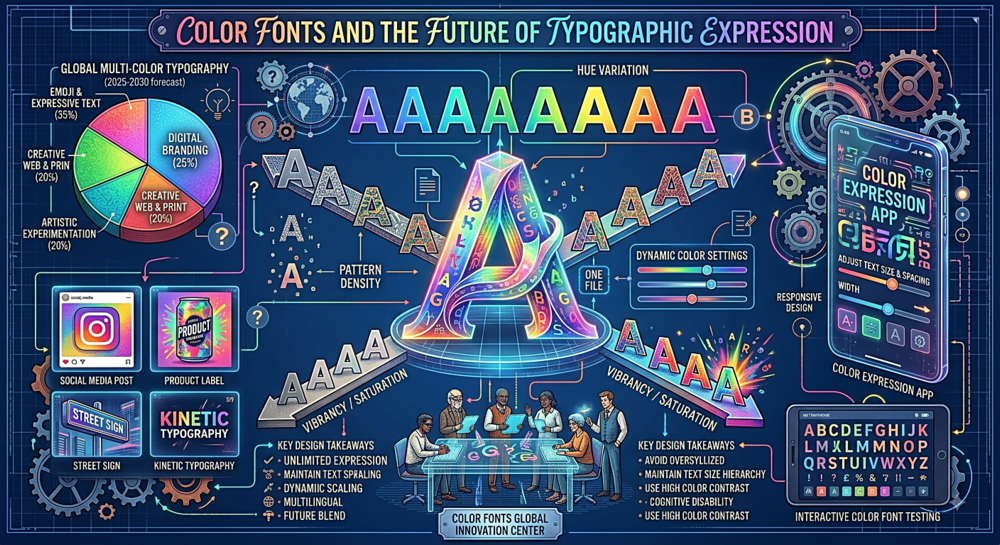
Color Fonts and the Future of Typographic Expression
What Color Fonts Actually Are
A traditional font file contains outlines — mathematical descriptions of the shapes that make up each letter. These outlines are filled with whatever color the designer or CSS specifies. One color per glyph. A color font, by contrast, contains multiple layers of outlines (or vector graphics, or even bitmap images) that are composited together to create multi-colored, textured, or gradient-filled letterforms directly within the font file itself.
This is not the same as applying CSS gradients or colors to text — those are external style treatments. Color fonts embed the color information inside the font, so every application that renders the font (not just browsers) displays it in color. The colors are part of the typeface design, not an afterthought.
The Four Competing Formats
Unfortunately, the industry could not agree on a single color font format, so four emerged. OpenType-SVG (backed by Adobe and Mozilla) embeds SVG vector graphics inside the font file. It is the most expressive format — supporting gradients, transparency, and complex artwork — but produces the largest files. COLR/CPAL (backed by Google and Microsoft) uses layered vector shapes with a color palette. It is more compact and performs better, and version 2 (COLRv1) added gradients and compositing that close the gap with SVG. SBIX (Apple) embeds bitmap images — essentially PNG files for each glyph at various sizes. CBDT/CBLC (Google) is another bitmap format used primarily for emoji on Android.
In practice, for web designers, COLRv1 is winning. It has the best combination of small file size, expressive capability, and browser support. Chrome, Edge, and Firefox all support it well. Safari added support in recent versions. If you are commissioning or choosing a color font today, COLRv1 is the safest bet for cross-platform compatibility.
Emoji: The Color Fonts You Already Use
Most people have been using color fonts for years without realizing it: emoji are color fonts. When you type a smiley face in a message, the device renders it from a color font file (Apple Color Emoji on macOS/iOS, Noto Color Emoji on Android, Segoe UI Emoji on Windows). Each emoji is a multi-colored glyph inside a font file, rendered using one of the formats described above. Emoji are the proof that color font technology works at global scale — billions of color font glyphs are rendered every day.
Design Applications Beyond Emoji
The creative possibilities of color fonts extend far beyond emoji. Type designers have created color fonts with chromatic layering (letters that appear to be printed in multiple overlapping ink passes, like letterpress work), gradient fills that shift across the alphabet, textured surfaces (wood grain, marble, watercolor), dimensional effects (shadows and highlights baked into the letterforms), and animated sequences (though animation support is still limited and experimental).
For branding, color fonts offer something genuinely new: typographic identity that travels with the font file. Instead of relying on CSS or design software to apply brand colors and effects to a monochrome font, the brand expression is embedded in the font itself. Any application that supports color fonts will render the brand typography correctly, with no additional styling required. This is particularly valuable for brands distributed across many touchpoints where CSS and design templates are not available.
Practical Considerations
Before adopting color fonts for a project, consider: File size — color fonts are significantly larger than monochrome fonts. An OpenType-SVG color font can be 1-10 MB, compared to 20-100 KB for a standard WOFF2 font. COLRv1 fonts are smaller but still larger than monochrome equivalents. This matters for web performance. Fallback — color fonts should include monochrome fallback outlines for environments that do not support color rendering. Editability — you cannot change the colors of a color font with CSS color property (in most implementations). The colors are what they are. Accessibility — ensure sufficient contrast between the colored letterforms and the background. Multi-colored letters can create contrast issues that monochrome text does not have.
Color fonts are not a replacement for standard typography. They are an expansion of what typography can be. Use them for display type, headlines, branding elements, and decorative applications where the visual richness justifies the performance cost. Body text will remain monochrome for the foreseeable future — and that is perfectly fine.